Currently this functionality is only available with a widget, I’m planning to add shortcode and php code too.
This is the most powerfull widget for creating any kind of custom loop, the limit is your immagination 🙂
Some basic example:
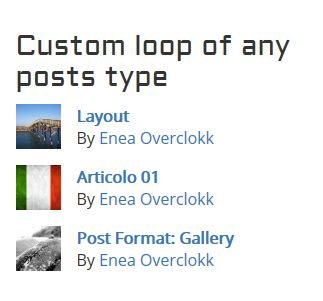
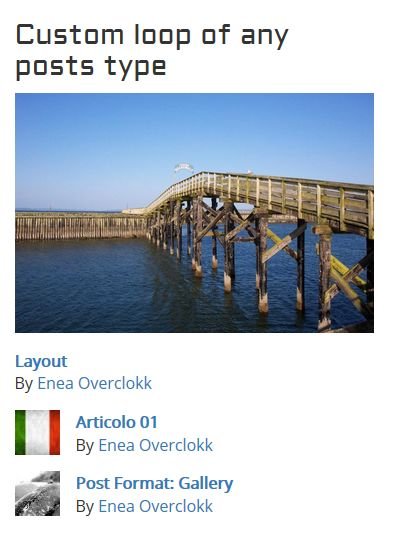
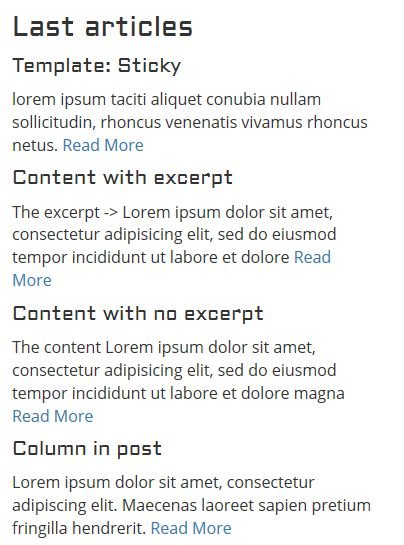
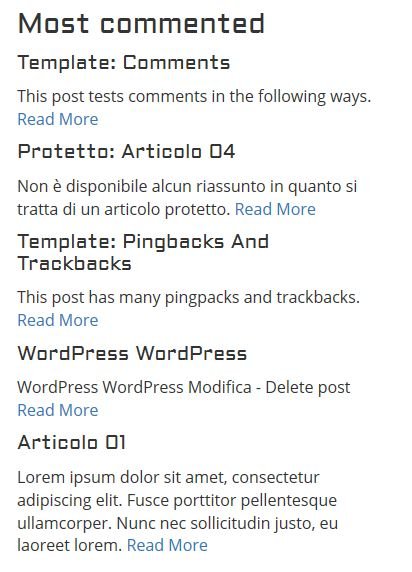
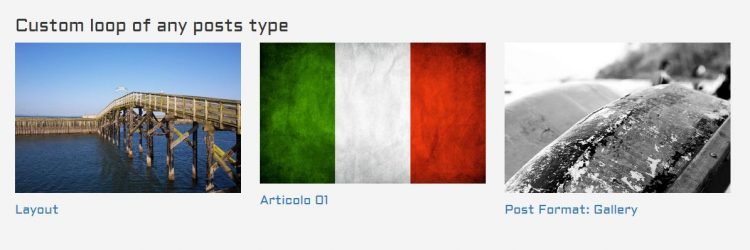
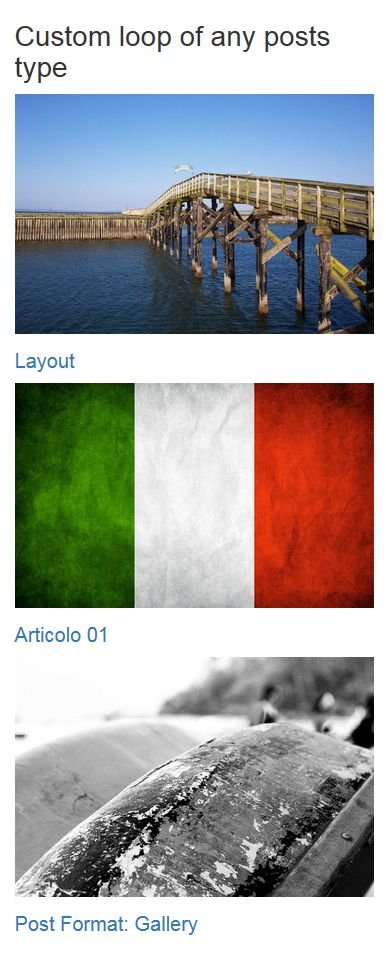
Those above are only a few example of what you can do with this widget.
See below all available options.
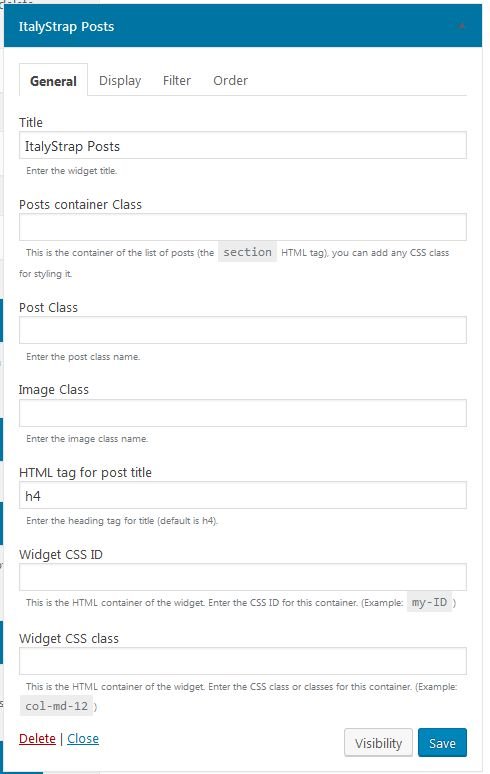
Posts container Class
Attribute:
container_class
Default:empty
This is the container of the list of posts (thesectionHTML tag), you can add any CSS class for styling it.Post Class
Attribute:
post_class
Default:empty
Enter the post class name.Image Class
Attribute:
image_class
Default:empty
Enter the image class name.HTML tag for post title
Attribute:
entry_title
Default:h4
Enter the heading tag for title (default is h4).Custom CSS
Attribute:
custom_css
Default:empty
Enter your custom CSS.Template
Attribute:
template
Default:default
Select the template to display posts.Template custom name
Attribute:
template_custom
Default:empty
Insert your template custom name, separate directory name and file nema by “/”, you have to insert your custom file in your theme in the “templates” directory. If the directory doesn’t exist you have to create it. If no file is found it will be loaded the default query file. Example: post/my-custom-loop-fileNumber of posts
Attribute:
posts_number
Default:5
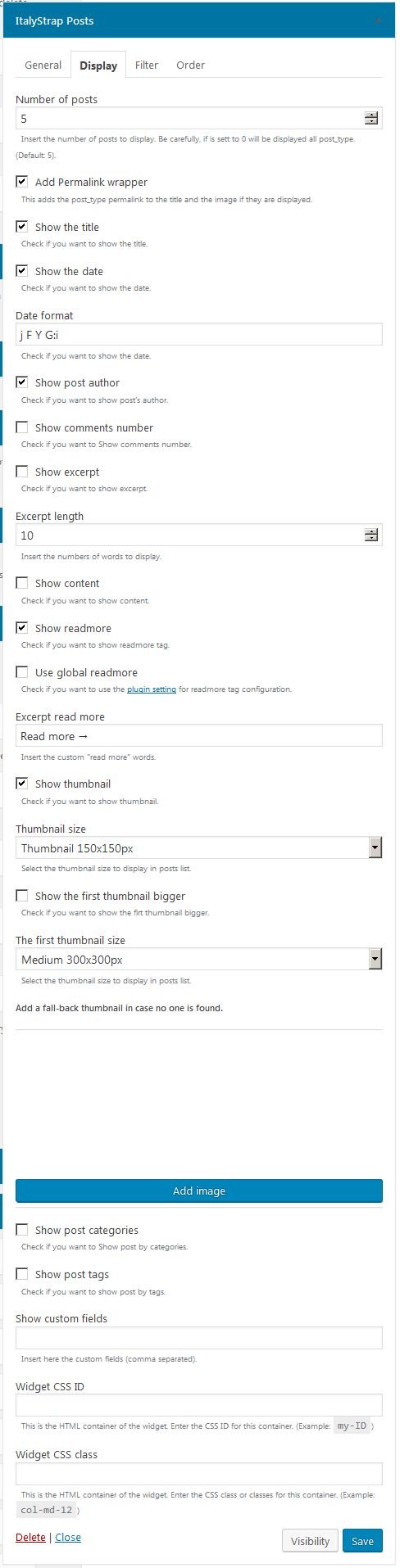
Insert the number of posts to display. Be carefully, if is sett to 0 will be displayed all post_type. (Default: 5).Add Permalink wrapper
Attribute:
add_permalink_wrapper
Default:1
This adds the post_type permalink to the title and the image if they are displayed.Show the title
Attribute:
show_title
Default:1
Check if you want to show the title.Show the date
Attribute:
show_date
Default:empty
Check if you want to show the date.Date format
Attribute:
date_format
Default:F j, Y g:i a
Check if you want to show the date.Show post author
Attribute:
show_author
Default:empty
Check if you want to show post’s author.Show comments number
Attribute:
show_comments_number
Default:empty
Check if you want to Show comments number.Show excerpt
Attribute:
show_excerpt
Default:empty
Check if you want to show excerpt.Excerpt length
Attribute:
excerpt_length
Default:10
Insert the numbers of words to display.Show content
Attribute:
show_content
Default:empty
Check if you want to show content.Show readmore
Attribute:
show_readmore
Default:empty
Check if you want to show readmore tag.Use global readmore
Attribute:
use_global_read_more
Default:empty
Check if you want to use the plugin setting for readmore tag configuration. If in global settings Read More is not active it will be used the below value.Excerpt read more label
Attribute:
excerpt_readmore
Default:Read more →
Insert a custom “read more” label. If “Use global readmore” is selected the global label will be used.Excerpt read more CSS class
Attribute:
read_more_class
Default:more-link
Insert a custom CSS class for the read more link. Default read-more. Ex: btn btn-primary.Show thumbnail
Attribute:
show_thumbnail
Default:empty
Check if you want to show thumbnail.Thumbnail size
Attribute:
thumb_size
Default:thumbnail
Select the thumbnail size to display in posts list.Show the first thumbnail bigger
Attribute:
show_first_thumbnail_bigger
Default:empty
Check if you want to show the firt thumbnail bigger.The first thumbnail size
Attribute:
first_thumb_size
Default:medium
Select the thumbnail size to display in posts list.Enter ID of a fall-back thumbnail (optional)
Attribute:
thumb_id
Default:empty
Add a fall-back thumbnail in case no one is found.Show post categories
Attribute:
show_cats
Default:empty
Check if you want to Show post by categories.Show post tags
Attribute:
show_tags
Default:empty
Check if you want to show post by tags.Show custom fields
Attribute:
custom_fields
Default:empty
Insert here the custom fields (comma separated).Select Categories
Attribute:
cats
Default:empty
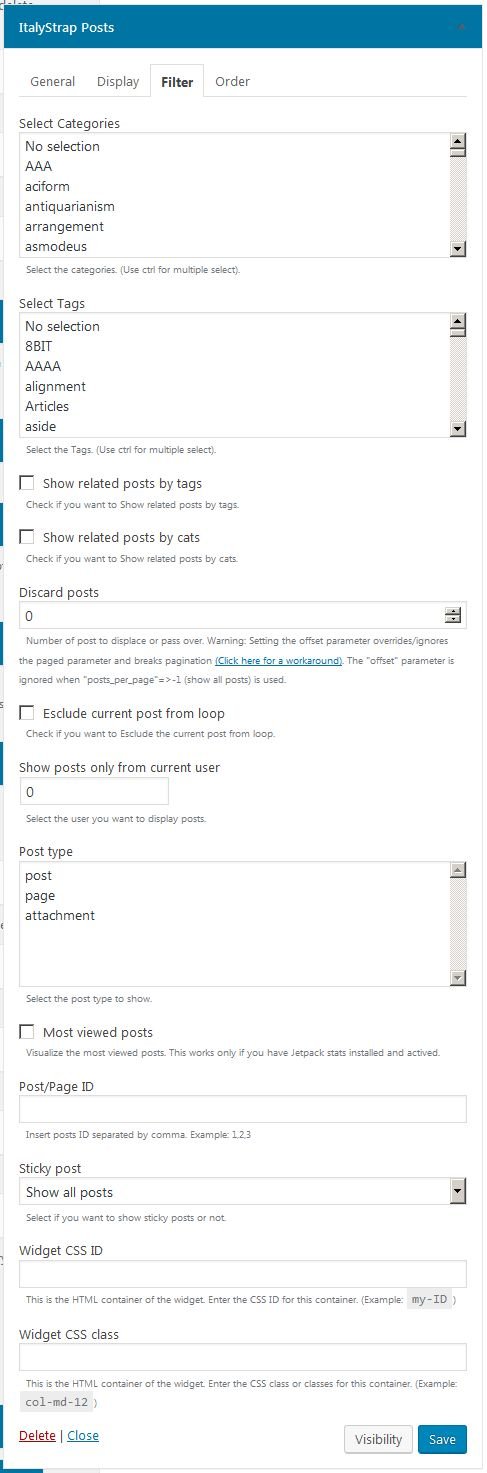
Select the categories. (Use ctrl for multiple select).Select Tags
Attribute:
tags
Default:empty
Select the Tags. (Use ctrl for multiple select).Show related posts by tags
Attribute:
related_by_tags
Default:empty
Check if you want to Show related posts by tags.Show related posts by cats
Attribute:
related_by_cats
Default:empty
Check if you want to Show related posts by cats.Discard posts
Attribute:
offset
Default:empty
Number of post to displace or pass over. Warning: Setting the offset parameter overrides/ignores the paged parameter and breaks pagination (Click here for a workaround). The “offset” parameter is ignored when “posts_per_page”=>-1 (show all posts) is used.Esclude current post from loop
Attribute:
exclude_current_post
Default:empty
Check if you want to Esclude the current post from loop.Show posts only from current user
Attribute:
from_current_user
Default:empty
Insert the user ID you want to display posts.Post type
Attribute:
post_types
Default:post
Select the post type to show.Most viewed posts
Attribute:
most_viewed
Default:empty
Visualize the most viewed posts. This works only if you have Jetpack stats installed and actived.Post/Page ID
Attribute:
post_id
Default:empty
Insert posts ID separated by comma. Example: 1,2,3Sticky post
Attribute:
sticky_post
Default:show
Select if you want to show sticky posts or not.Context
Attribute:
context
Default:empty
This is the context in wich this instance is used, by default it is set to “posts” (the name of the class lowercase), if you are not a developer do not worry about it, if you are a developer you can filter the query_args by the context.Order by
Attribute:
orderby
Default:date
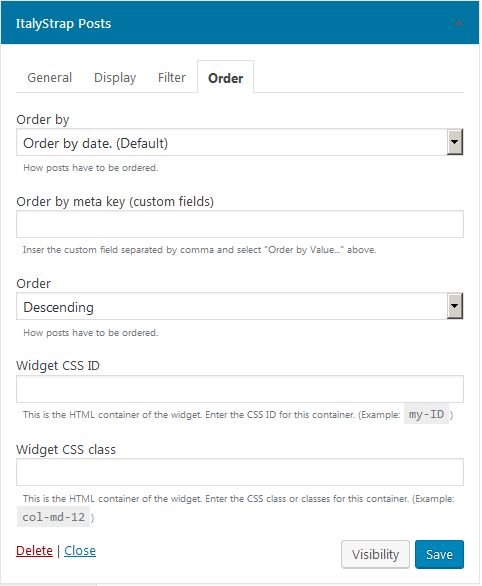
How posts have to be ordered.Order by meta key (custom fields)
Attribute:
meta_key
Default:empty
Inser the custom field separated by comma and select “Order by Value…” above.Order
Attribute:
order
Default:DESC
How posts have to be ordered.P2P connection type
Attribute:
connected_type
Default:empty
Select the connection type for displaying this loop.
Leave a Reply